 Expense Management Page
Expense management,simplified.
Your bank account can now do more than just store your funds. Automate expense tasks, provide expense reporting, and close the books faster.
By signing up, you're confirming that you agree with our Terms and Conditions.


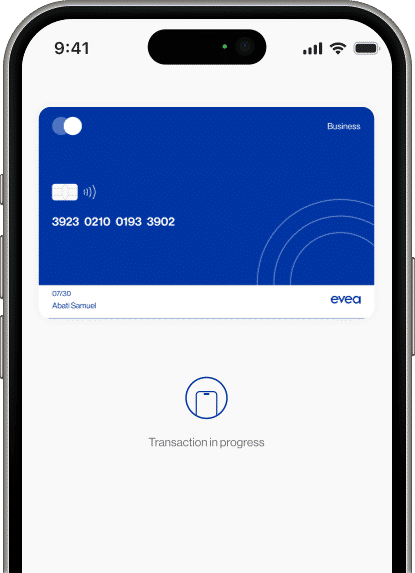

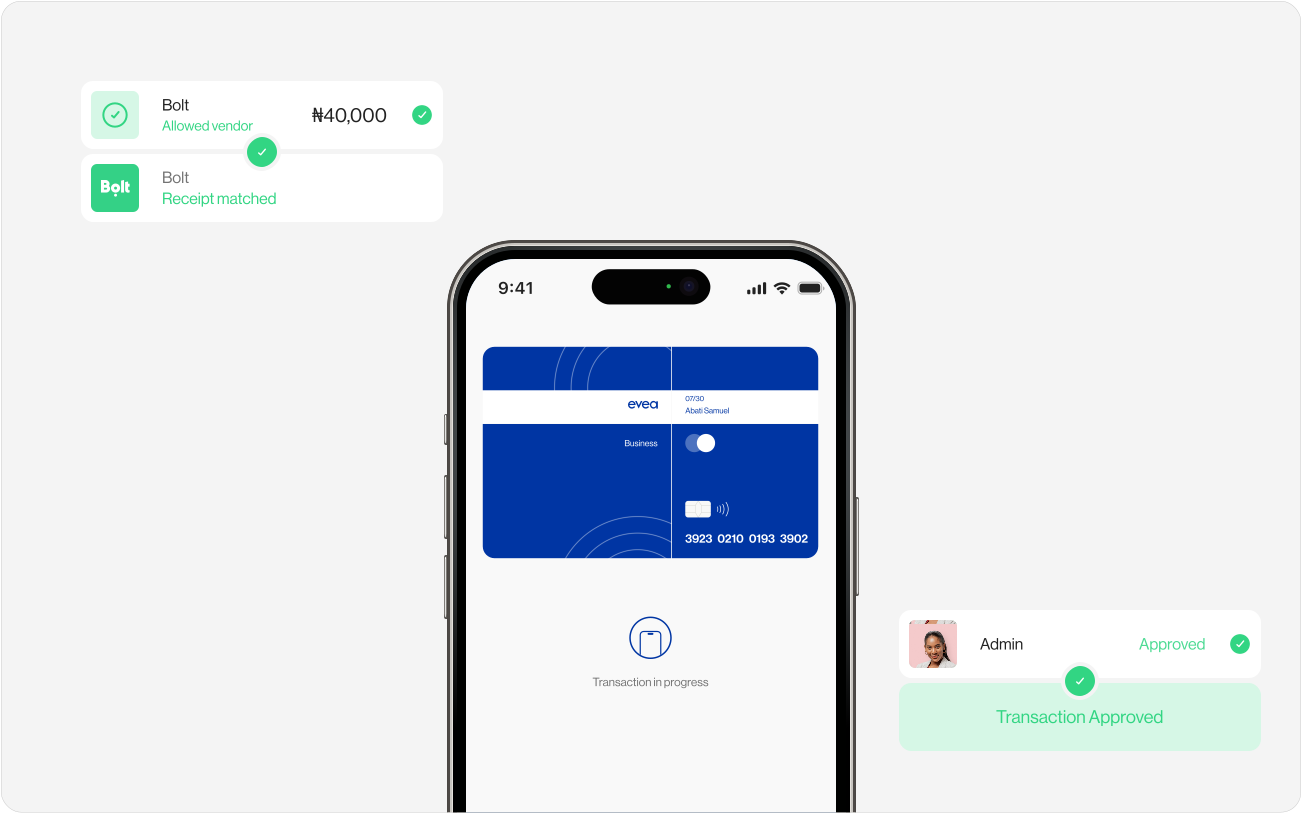
Simplify your expense management with ease.
Manage your expenses in three (3) simple steps.
Ease the burden of managing expenses for your team. Set custom expense rules, capture receipts instantly, and automate approval processes.
Set expense rules/policies.
With Evea, you can streamline expense processing by setting expense rules based on transaction amount, budget, and merchant. Require receipts, notes/memo, attendees, and client IDs, and can also configure exceptions to these rules as needed.
File expenses instantly.
Evea Cards come with integrated expense rules, guiding employees/spenders on completing expense details as they spend. Real-time notifications prompt spenders for receipt and other data submission, and employees can also submit reimbursements for out-of-pocket expenses.
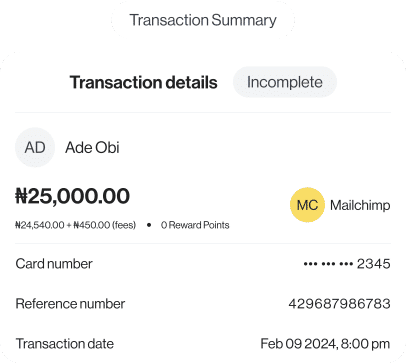
Smart expense review.
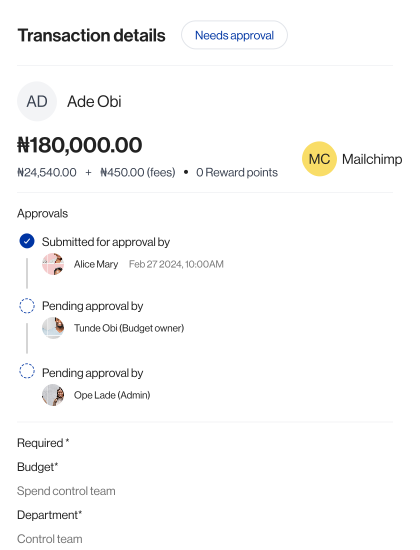
Evea smartly reviews your expenses based on your expense rules and policies, flagging transactions that need attention or approval. Spend less time on routine approvals and more on handling the unexpected, ensuring all transactions comply with company policy by reviewing, approving, or denying them as needed.
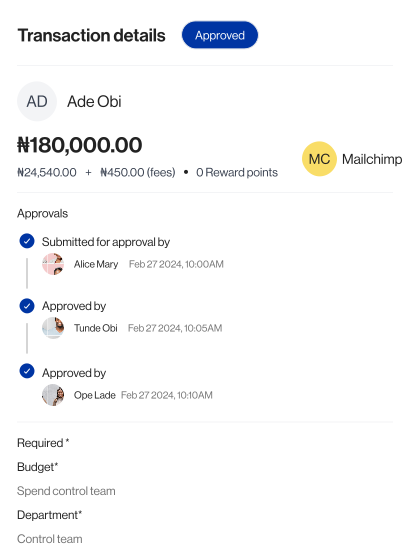
Efficient expense reconciliation.
Save hours monthly on expense reconciliation. With a few taps, expenses are coded and synced seamlessly with your accounting system, ensuring swift month-end closing of the books.










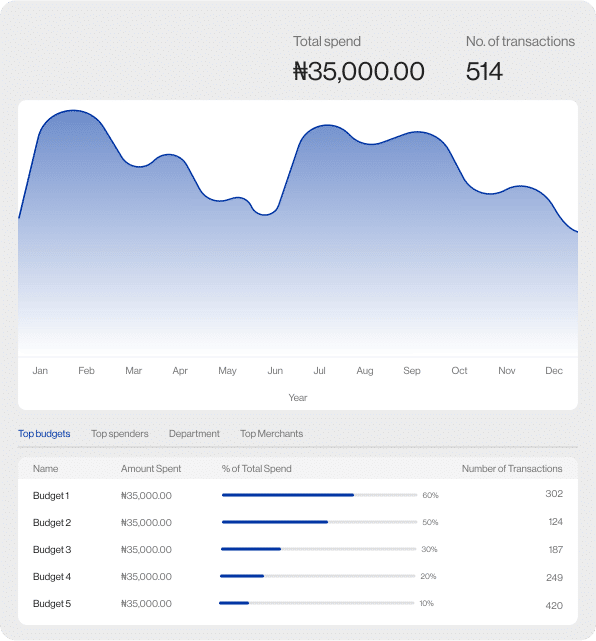
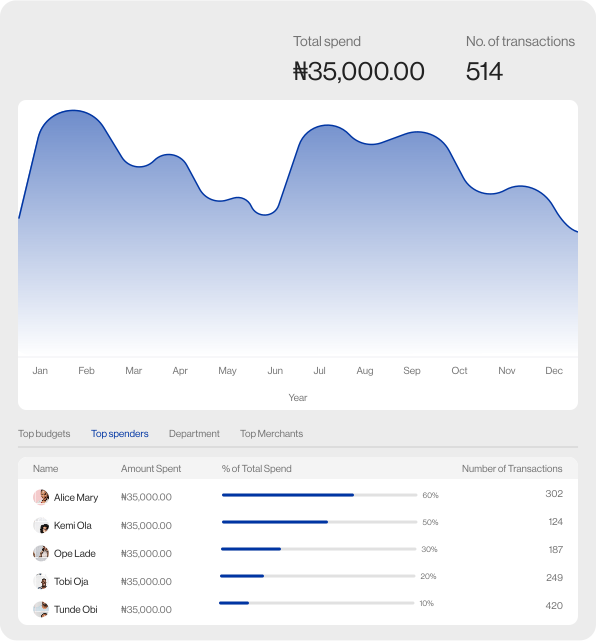
Actionable insights at your fingertips.
Get real-time expense reports by getting interesting insights on your spending across cards, reimbursements, and payments in order to find ways to save and improve ROI
Evea's Financial OS
Better together...
The expense management is just one part of the
Evea's financial stack.
Explore demo

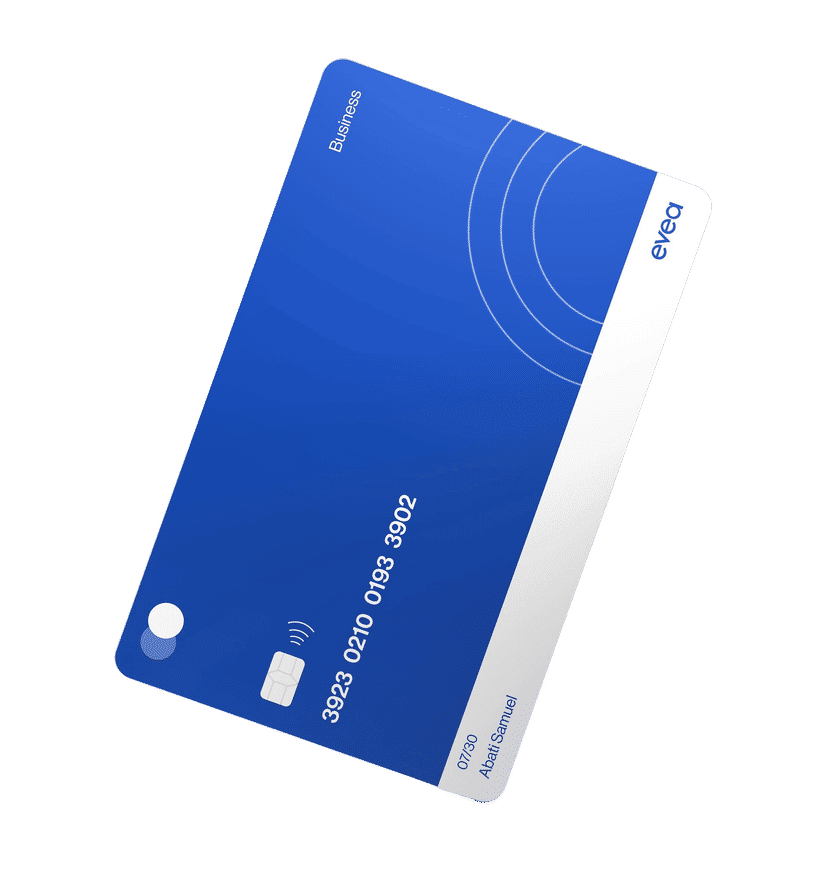
Corporate cards
- Access a business line of credit with the Evea Corporate Credit Card account and easily pay-off credit statements (i.e. the credit debt) seamlessly with an Evea business account to avoid interests.
- Depending on your chosen account type during signup, cards issued can serve as debit cards, or credit cards, or both.
Spend Management
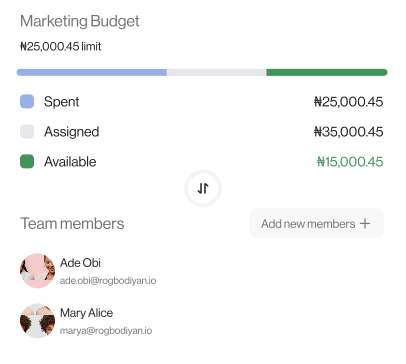
Control spend before it happens.
Budgets simplify the process of planning and allocating spend.
Accounting automation
Close the books in record time.

Business Account
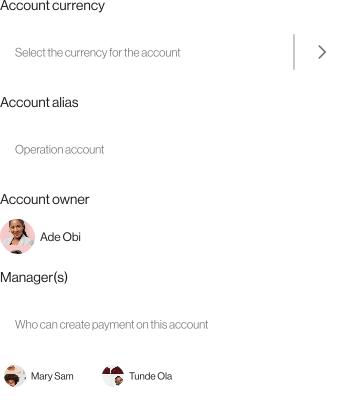
Setup a business account within minutes, without requiring a minimum balance or references.
Account Payable (AP)
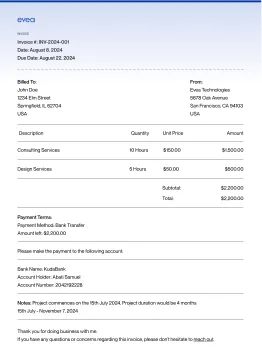
Manage vendor payments, auto-fill invoices, set approvals, and track bills—all from one AP account.
Frequently asked questions
Answers to common questions about Evea Business Accounts.
What is expense management?

What expenses does a business need to manage?
How to manage expenses?
What is the difference between expense management & budgeting [spend management]?
Still have a question?
Reach out to us: hello@evea.africa
Discover the capabilities of Evea.
Utilize Evea to automate control and compliance tasks, while gaining real-time insights to enhance your ROI.