 Accounting Automation Page
Close the books in record time.
Cut down on time spent preparing, reviewing, and exporting expenses using accounting automations via ERP integrations that synchronize all bills, cards, and bank transactions from your Evea account.
By signing up, you're confirming that you agree with our Terms and Conditions.
Automate your bookkeeping
Maintain accurate bookkeeping with minimal effort.
Evea facilitates a closed-loop accounting system, streamlining monthly transaction reviews with greater efficiency.
Connect directly with your ERP accounting system.
With bi-directional syncing, this makes it easier to keep an eye on your entire bookkeeping process and ensures that your books stay accurate and up-to-date.










Categorize your expenses.
Map Evea to match your ERP with specific custom accounting rules and fields entries, automating General Ledger (GL) coding for your team.
Connect with QuickBooks, NetSuite, Tyms, and Xero.
With Evea, your data syncs instantly across platforms, minimizing manual errors and simplifying upload processes through tailored workflows and field mapping
- Effortlessly import and export data to your ERP system with bidirectional syncing.
- Generate and export custom CSV templates compatible with your ERP software.
- Map ERP data to custom fields and automatically categorize spending in real-time.
- Access real-time insights into company spending with customizable reports.










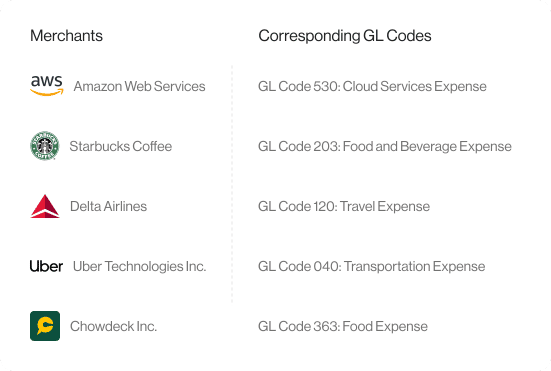
Automate General Ledger (GL) mapping
Set up custom accounting rules to automatically map merchants to your GL codes, saving you time and reducing the risk of errors.
Tailor access levels for your team
Customize user permission for your finance team and external bookkeepers.
Finance Team
External Bookkeepers
Permissions Overview

Alice Mary

Kemi Ola

Tobi Oja

Tunde Obi

Ope Lade

Josh Sam
View Only
Edit
Admin
View Only
Edit
Admin
View Only
Edit
Admin
Spend Management
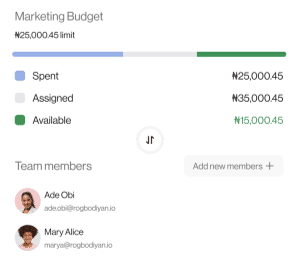
Simplify expenses and its policies
Treasury
Generate returns on idles funds directly alongside your operational accounts.

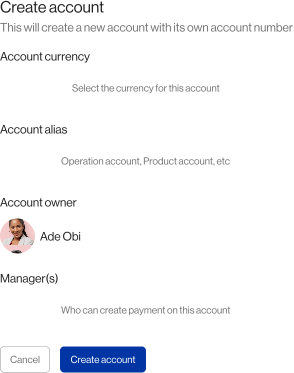
Business account
Setup a business account within minutes, without requiring a minimum balance or references.
Accounts payable (AP)
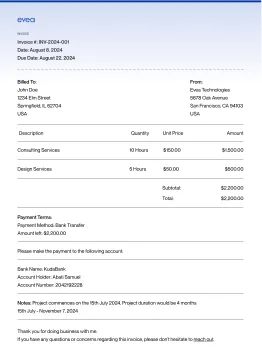
Handle vendor payments with auto-filled invoices configuring admin approvals, and overseeing bills - all through a dedicated Accounts Payable (AP) account.
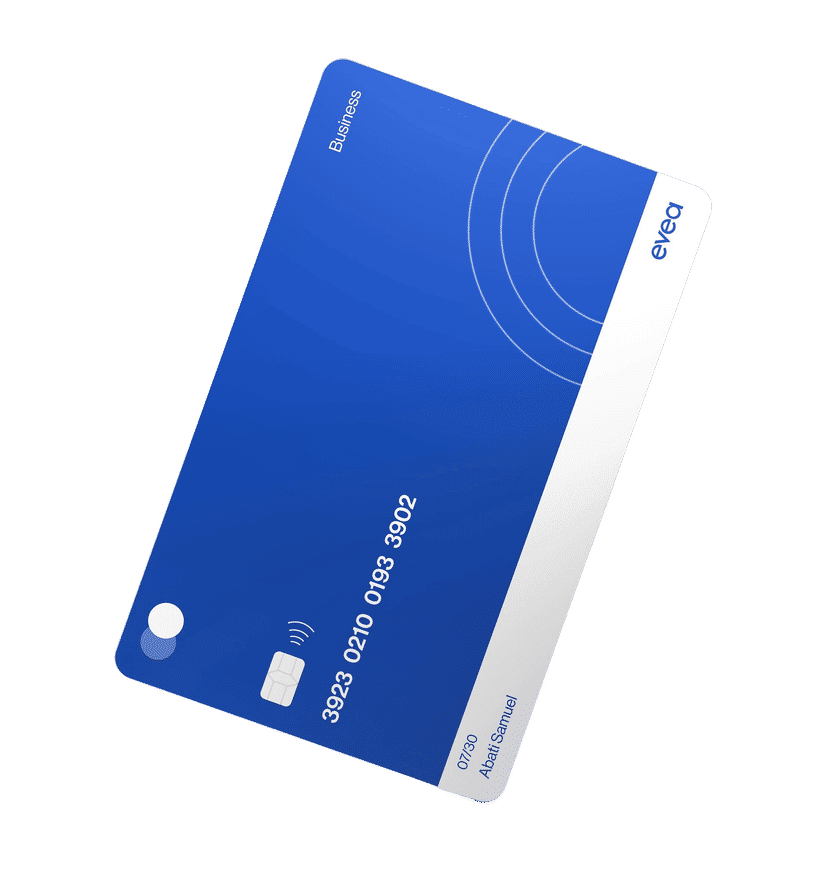
Corporate cards
- Access a business line of credit with the Evea Corporate Credit Card account and easily pay-off credit statements (i.e. the credit debt) seamlessly with an Evea business account to avoid interests.
- Depending on your chosen account type during signup, cards issued can serve as debit cards, or credit cards, or both.
Frequently asked questions
Answers to common questions about Evea Business Accounts.
Accounting automation uses software to automatically record, classify, and sync your financial transactions without manual work.
With Evea, every card payment, bank transfer, credit repayment, budget, and expense is automatically pushed into your accounting system — reducing errors, saving time, and ensuring clean financial records.
Evea integrates with major accounting tools and ERPs commonly used by African businesses, including:
- Tyms
- QuickBooks
- Sage Accounting
- Zoho Books
- Xero
- Microsoft Dynamics 365
- SAP Business One (via middleware)
More integrations are being added continuously as part of our ecosystem expansion.
Evea can automatically categorize and sync:
- Card transactions
- Vendor payments
- Bank transfers and settlements
- Subscription payments
- Budget-level spending
- Reimbursements
- Credit repayments
- Fees, charges, and interest
- Incoming credits and deposits
Each transaction is tagged with merchant details, category, amount, and budget/project reference for seamless bookkeeping.
Only users given explicit permissions can access or configure accounting automation
This typically includes:
- Business owners
- Finance leads or CFOs
- Accounting/Bookkeeping teams
- Authorized administrators
You control who can view, edit, or export financial data through role-based access settings in Evea.
Discover the capabilities of Evea.
Every business requires a bank account. Yours deserves one that goes the extra mile.